Northlight · Free Windows App
Northlight Vault
All your cloud storage.
One place.
Browse files across Google Drive, OneDrive, and Dropbox in a single desktop app — without switching tabs, signing in and out, or losing track of where anything lives. Free.
Free · Windows only
Listed on Capterra
At a Glance
- Northlight Vault is a free Windows desktop application built by Northlight Advisory Services.
- Northlight Vault lets users browse Google Drive, OneDrive, and Dropbox files in a single interface without switching tabs or signing in and out.
- Northlight Vault is read-only by design — it finds and opens files; it does not move, edit, or delete them.
- No account required beyond existing cloud service logins. No files or credentials stored by Northlight Vault.
- Northlight Vault is free. Windows only. Built by Northlight Advisory Services, Halifax, Nova Scotia, Canada.
What it does
Northlight Vault is a free, read-only Windows desktop application that displays files from Google Drive, OneDrive, and Dropbox in one unified view — without uploading, editing, or moving anything. It requires no cloud account of its own: your files stay exactly where they are, and Vault simply shows them together.
One view, three services
Google Drive, OneDrive, and Dropbox — all visible in a single interface. Browse folders, find files, and open them without switching apps or accounts.
Read-only by design
Vault is a browser, not an editor. It finds and opens your files — it doesn't move, rename, or delete anything. Your files stay exactly where they are.
Desktop, not browser
A proper Windows desktop application. Open it from your taskbar. No browser tab to lose, no sign-in prompt every session. It's just there when you need it.
See it in action
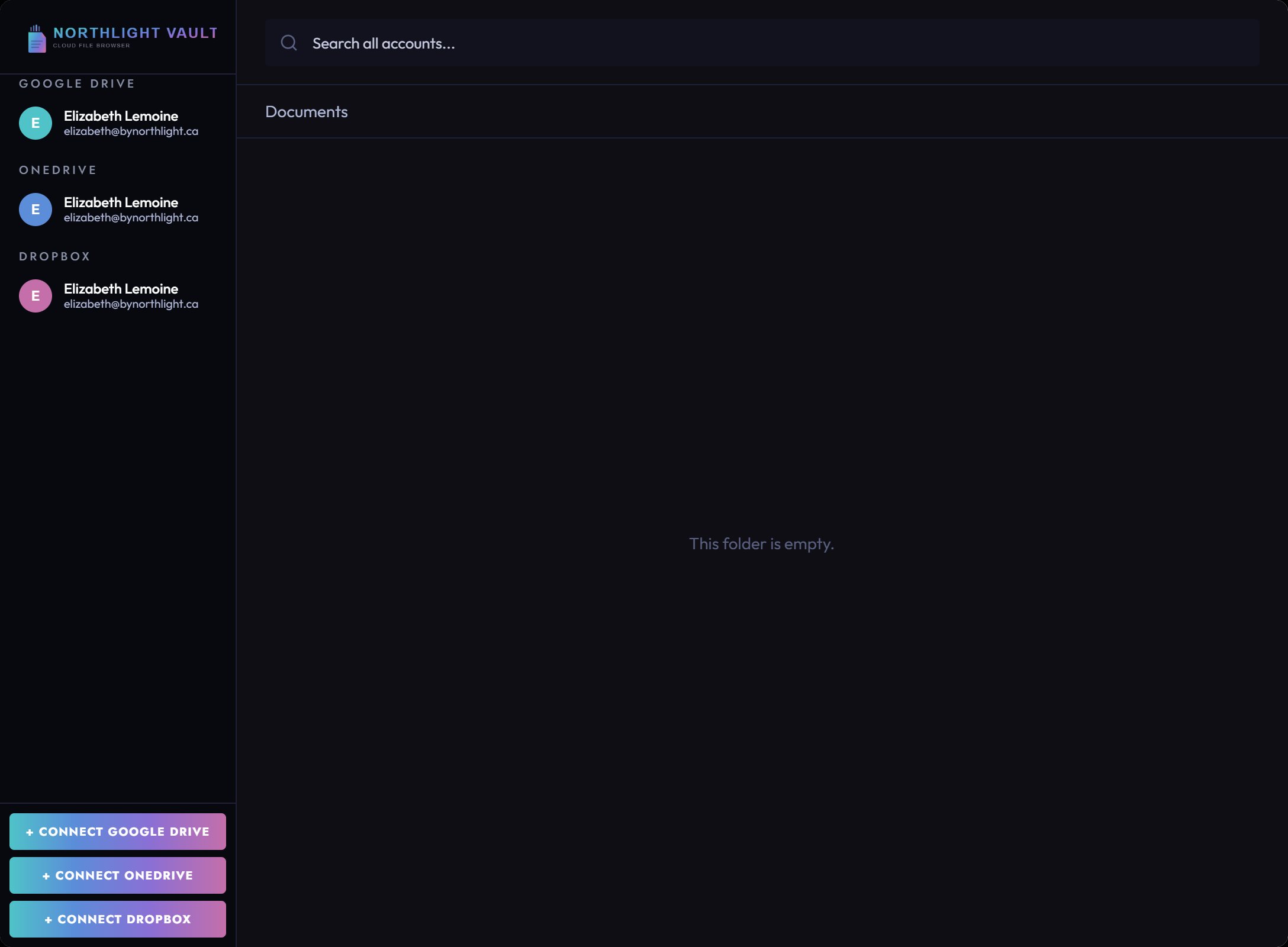
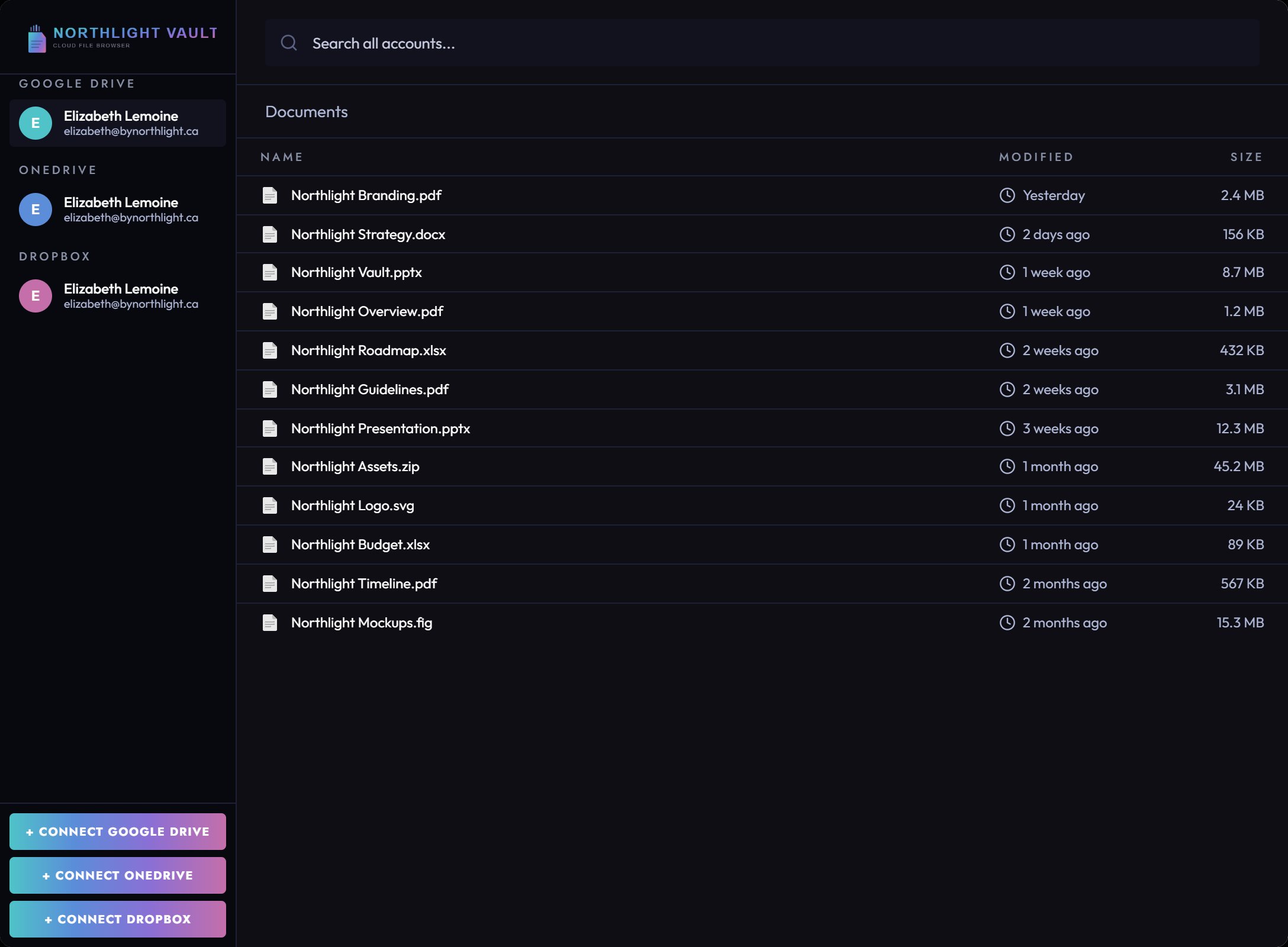
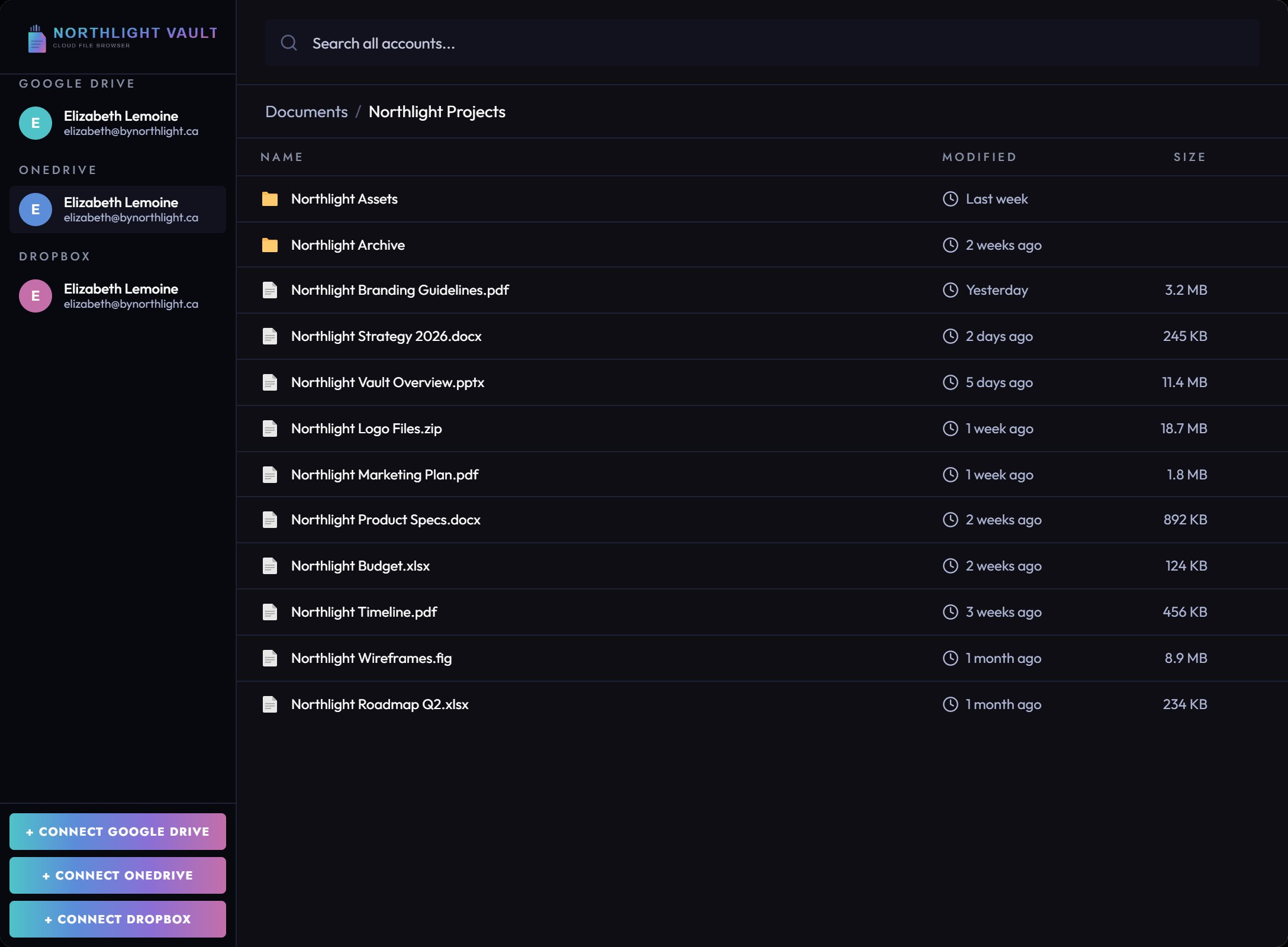
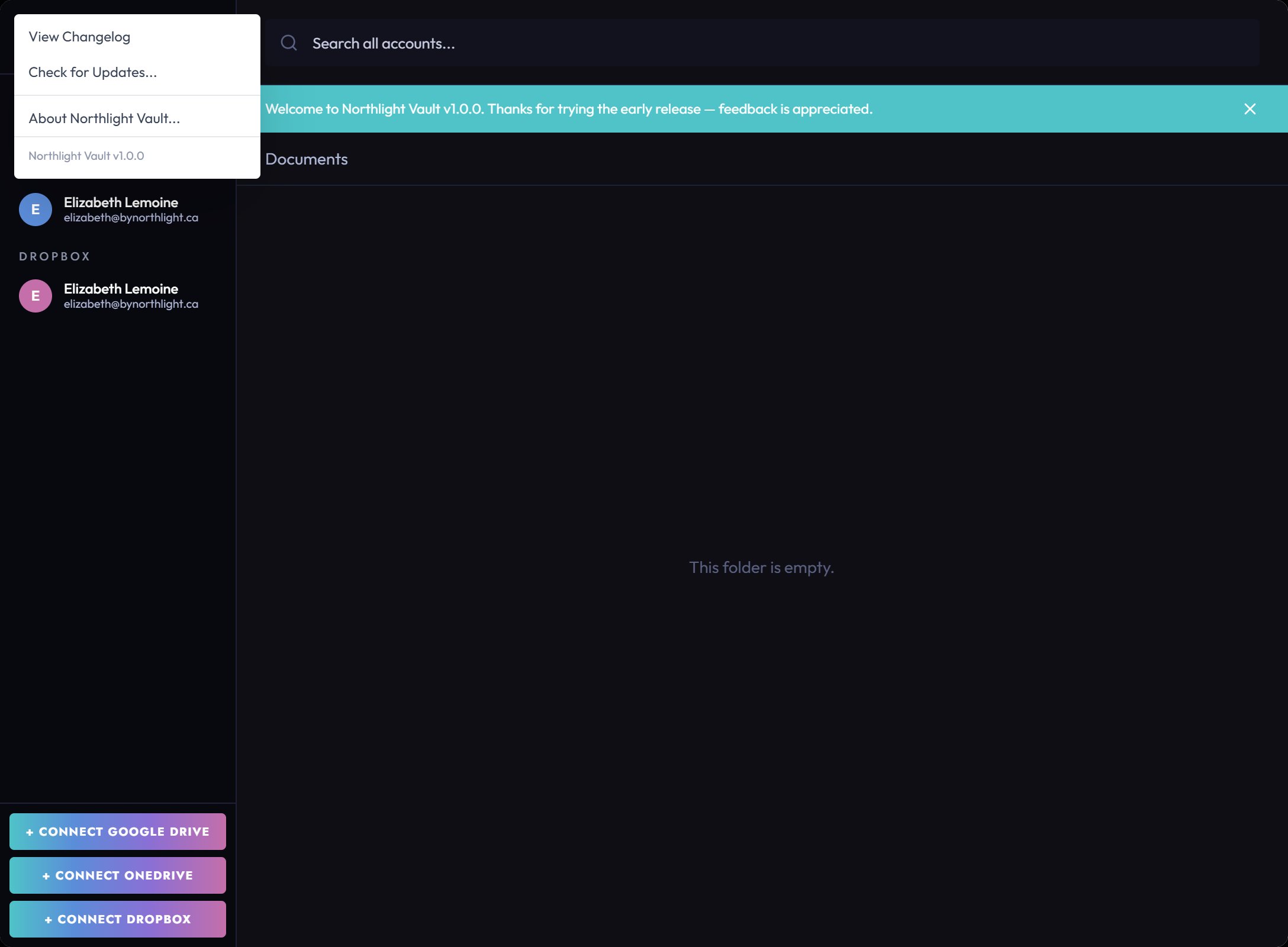
Click any screenshot to enlarge
Supported cloud services
Google Drive
My Drive, Shared drives, Shared with me
OneDrive
Personal and Microsoft 365
Dropbox
Personal and Business accounts
How it stacks up
Vault doesn't replace your cloud storage — it makes all of it usable at once.
|
Storage
Google
Drive |
Storage
OneDrive
|
Storage
Dropbox
|
||
|---|---|---|---|---|
| Search across multiple accounts at once | ✓ | One at a time | One at a time | One at a time |
| Mix Drive + OneDrive + Dropbox in one search | ✓ | ✗ | ✗ | ✗ |
| Tab switching required | None | Per account | Per account | Per account |
| Cost | Free | Free tier / paid | Free tier / paid | Free tier / paid |
| Privacy | Runs locally No data collected |
Google tracking | Microsoft tracking | Dropbox tracking |
| Replaces your cloud storage | No — works alongside | ✓ | ✓ | ✓ |
Windows 10/11 · No installation required · No account needed
Full transparency
What Vault does
- Browse files and folders across all connected accounts
- Open files in their native app or in your browser
- Search across services by filename
- Stay signed in between sessions
What Vault doesn't do
- Move, rename, or delete your files
- Store or sync files locally
- Upload or edit documents
- Share files or manage permissions
Ready to try it?
Free. No account required beyond your existing cloud services.